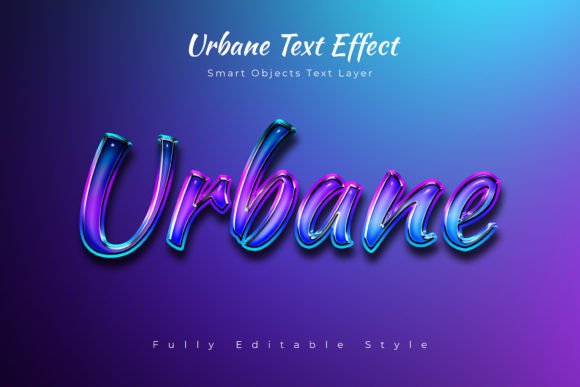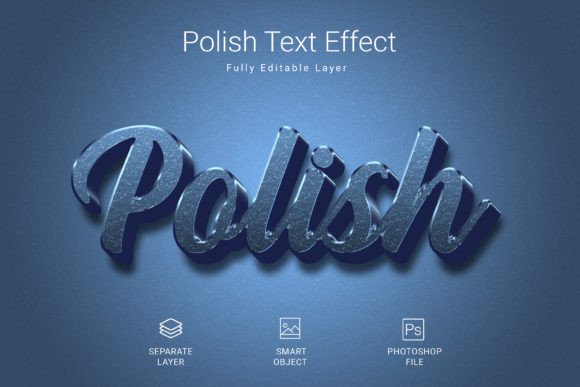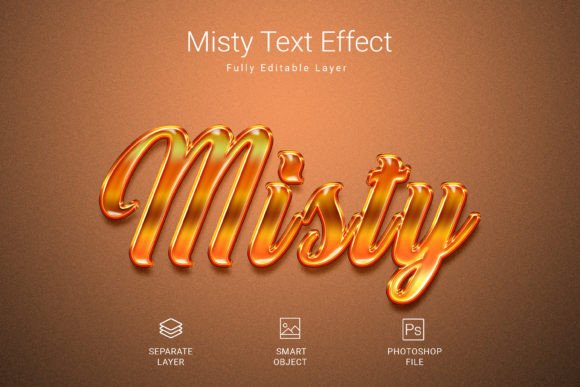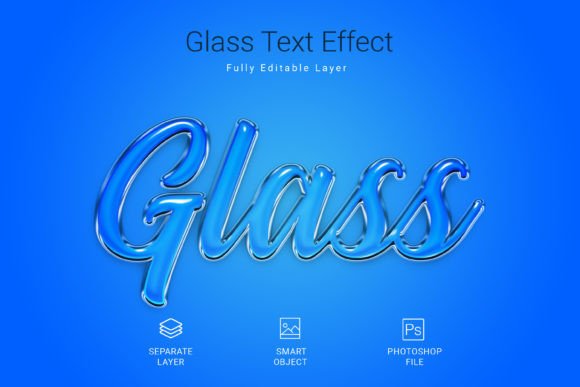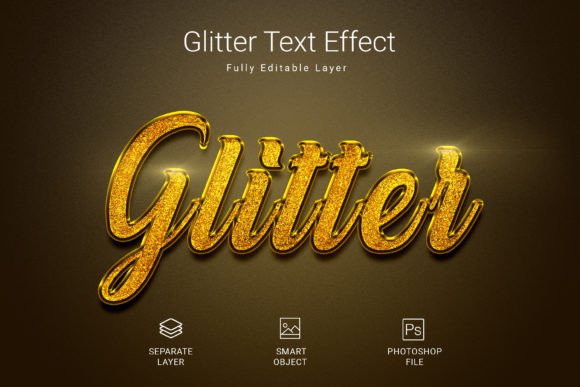
Glitter Psd Text Style Effect Mockup: A Sparkling Design Asset
Imagine giving your text an instant, dazzling upgrade with just a few clicks. This is precisely what the Glitter Psd Text Style Effect Mockup offers, providing a swift and effortless way to apply a high-quality, sparkling aesthetic to your typography.
This design asset is a versatile tool for creators. It allows you to transform simple text, shapes, or even vector logos into eye-catching glittered elements. The process is streamlined: you place your design into a smart object, click save, and the effect is automatically applied. This speed is invaluable when working on tight deadlines or exploring multiple creative directions.
Key Features and Specifications
Understanding the technical details helps ensure this asset fits your workflow. The file is built for professional use, with specifications designed to maintain quality across various applications.
- High-Resolution Output: The PSD file is sized at 3000x2000 pixels and designed in 300 DPI, making it suitable for both digital screens and print projects.
- Full Editability: As a layered PSD file in RGB color mode, you retain control over the elements, allowing for adjustments to match your specific color palette or layout.
- Clean Foundation: The mockup utilizes a free font, ensuring you can start experimenting immediately without additional font licensing concerns for the base text.
Creative Applications and Project Ideas
The true value of a Glitter Psd Text Style Effect Mockup lies in its ability to elevate a design's visual appeal. It’s not just a font; it’s a complete styling solution that injects personality and premium flair. Consider these practical use cases:
- Branding and Logo Design: Add a celebratory or luxurious touch to logos for brands in the beauty, event, or lifestyle sectors. It can make a brand identity feel more festive and memorable.
- Social Media Graphics: Create scroll-stopping posts, stories, or thumbnails. Glitter effects naturally draw attention, making them perfect for announcements, sales promotions, or holiday greetings.
- Packaging and Merchandise: Design standout product labels, gift tags, or merchandise like tote bags and t-shirts. The sparkle effect communicates quality and excitement.
- Editorial and Poster Design: Use it for headline text in magazines, event posters, or digital invitations. It sets a specific mood—whether celebratory, glamorous, or playful—immediately.
Tips for Effective Use
To integrate this effect seamlessly into your projects, a thoughtful approach is best. First, always consider readability. Glitter effects work best for short, impactful headlines or logo marks rather than long paragraphs of body text. Test the effect on your specific wording to ensure the letters remain clear and legible.
Next, think about context and mood. This style shines in projects that call for celebration, luxury, or fun. It might feel out of place in a corporate report but perfect for a New Year's Eve party flyer. Matching the effect to the project's emotional tone is key for cohesive design.
Finally, explore font pairing. If you use the glitter effect on a display font or a script font for a headline, pair it with a clean, simple sans-serif or serif font for supporting text. This contrast ensures your main message pops while maintaining overall visual harmony and professionalism.
Choosing the right design assets, like this text effect, directly influences the polish and impact of your work. It provides a shortcut to a high-end look, allowing you to focus more on creative composition and less on manual effects construction. For designers and creators seeking to add a touch of magic to their typography, this mockup presents a compelling and practical solution.