Stride Text Effect: Easy Stylish Typography
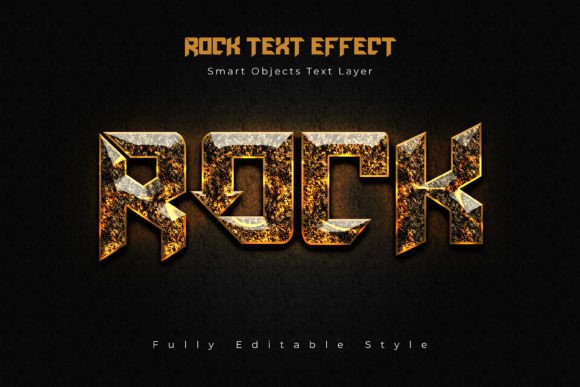
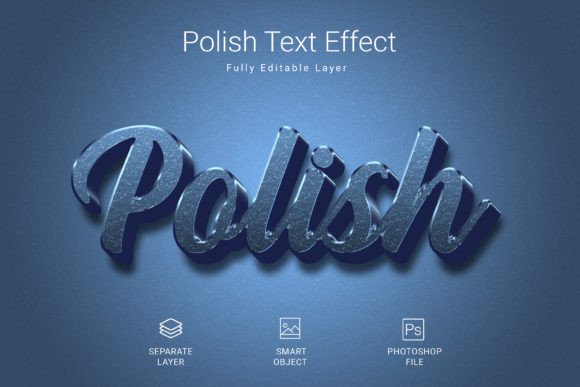
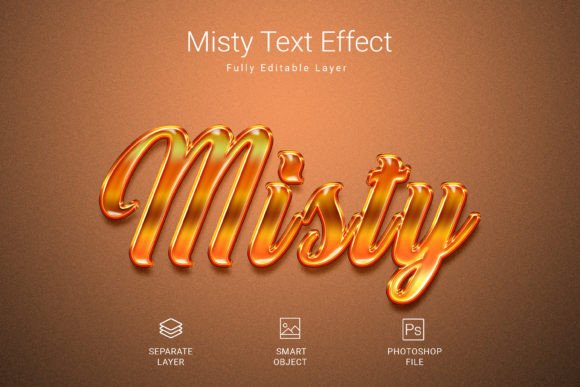
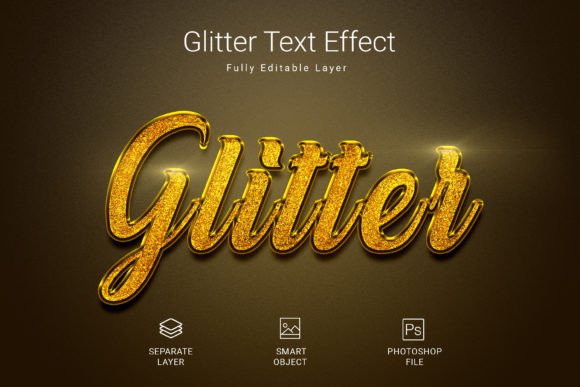
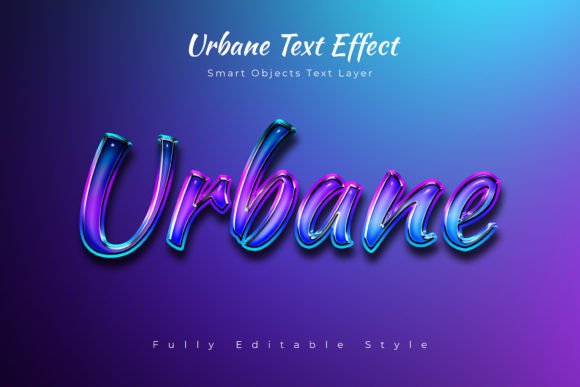
If you're looking for a way to make your text, shapes, or logos stand out with a polished, modern edge, the Stride Text Effect offers a straightforward solution. It's designed to be incredibly easy to use—you simply place your design into a smart object, and the effect is applied automatically. This makes it a practical tool for anyone wanting to create professional-looking visuals without advanced Photoshop skills.
Think of it as a shortcut to achieving a cool, dynamic style for a variety of creative projects. Whether you're putting together a striking poster, designing a compelling Facebook or YouTube cover, crafting a website banner, or developing cinematic titles for video, this effect can help you achieve a consistent and eye-catching look. The included Photoshop file is well-organized, with layers and folders that make editing fast and intuitive.
Practical Uses for Dynamic Visuals
The value of a design asset like this lies in its versatility. It’s not just a single-use filter; it’s a tool that can enhance multiple types of projects. For instance, it can elevate a simple wordmark into a memorable logo or add depth to social media graphics that need to grab attention quickly. The 4K, 300 dpi resolution ensures the results are crisp and suitable for both digital and print applications.
Consider using it for:
- Brand Identity and Logo Design: Create a distinctive logotype that feels both contemporary and impactful.
- Poster and Flyer Design: Add a professional typographic flourish to event posters or promotional materials.
- Digital Content: Design engaging headers for websites, banners, or video thumbnails that stand out in a feed.
- Editorial and Packaging: Bring a unique stylistic element to magazine layouts or product packaging concepts.
Tips for Choosing and Using the Effect
When integrating any new design asset, a few considerations ensure the best outcome. First, always test the text effect with your specific wording and fonts to confirm readability remains strong, especially at smaller sizes. The mood of the effect should align with your project's tone—does it convey the energy or elegance you need?
Also, think about font pairing. The Stride effect works with various typefaces, so experiment with different sans serif, serif, or even script fonts to see what combination best serves your message. Checking the license is another key step; this resource is designed for commercial use, giving you flexibility for client work or personal projects intended for sale.
Ultimately, the right typography is a cornerstone of effective visual communication. A well-crafted font or effect does more than just display words—it helps establish tone, improve recognition, and present a cohesive, professional image. Tools that streamline this process, like the Stride Text Effect, allow you to focus more on creative direction and less on technical execution.