Zero: A Bold 3D Text Style for Impactful Designs
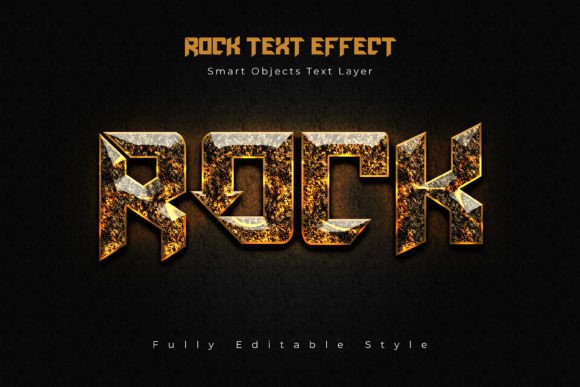
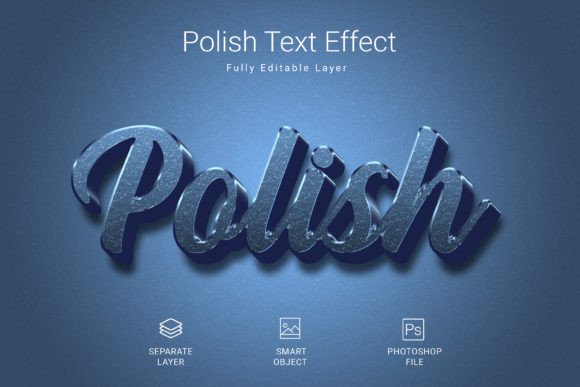
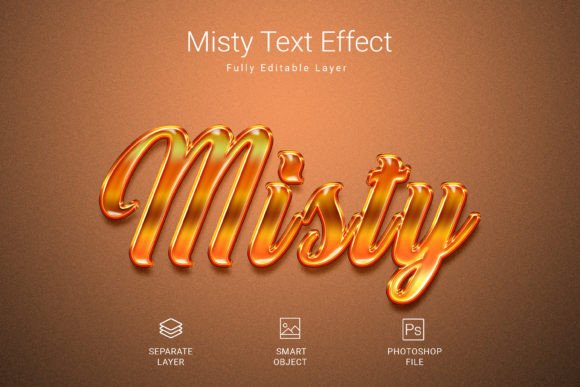
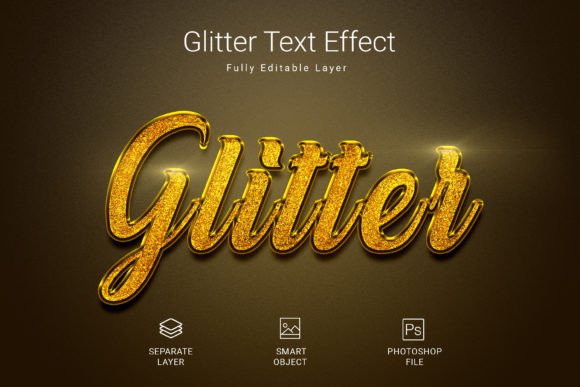
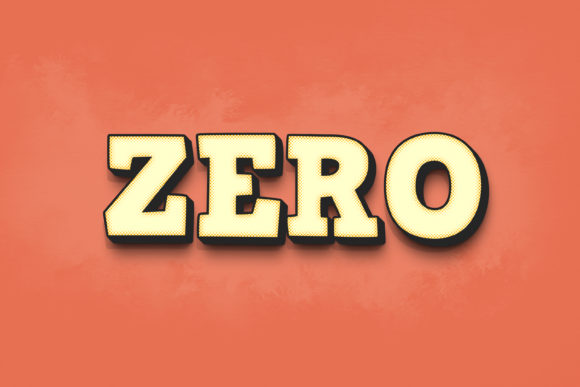
Capturing attention in a crowded digital space requires more than just good words; it demands striking visual presence. The Zero - 3D Text Style Effect PSD offers a powerful solution for designers seeking to add instant depth, dimension, and professional flair to their typography. This isn't just a font—it's a complete design asset that transforms flat text into a compelling, three-dimensional statement, perfect for projects that need to stand out immediately.
At its core, the Zero 3D text effect is a meticulously crafted PSD file designed for ease of use and maximum impact. The package includes a high-resolution 3000×2000 pixel file at 300dpi, ensuring your designs look crisp whether used in digital formats or for large-scale print. Organized layers and smart object replacement make customization incredibly straightforward, allowing you to focus on creativity rather than technical hurdles. The effect is compatible with Adobe Photoshop CS5 or higher, making it accessible to a wide range of users.
Creative Applications for This 3D Text Style
The versatility of this premium font effect makes it suitable for numerous design scenarios. Its bold, modern typography can elevate a brand's visual identity across various touchpoints.
- Logo Design & Branding: Create a memorable logo mark with built-in depth, perfect for tech startups, gaming channels, or any brand wanting a dynamic, contemporary feel.
- Poster & Event Graphics: Design eye-catching posters, flyers, and event invitations where the headline needs to leap off the page. The 3D effect is ideal for movie titles, concert promotions, and sale announcements.
- Packaging Design: Give product packaging a premium, tactile quality. This style works exceptionally well for tech products, energy drinks, or any item where shelf appeal is crucial.
- Social Media & Web Design: Generate scroll-stopping visuals for Instagram posts, YouTube thumbnails, or website hero sections. The high-impact style ensures your message isn't missed.
- Digital Products & Merchandise: Apply the effect to mockups for t-shirts, mugs, or digital wallpapers to showcase products with a professional, polished look.
How to Use the Zero Text Effect
One of the greatest strengths of this design asset is its user-friendly workflow. Even if you're new to Photoshop, you can achieve professional results in minutes.
The process is simple: open the PSD file, locate the smart object layer labeled "Double-Click to Change," and double-click it. A new window opens where you can type your own text, change the font, or even insert custom shapes. After saving and closing this window, the 3D effect is automatically applied to your new content. Finally, save your main file, and you're done. This non-destructive editing method preserves the original effect while giving you complete creative freedom.
Tips for Choosing and Using Creative Fonts
When selecting a display font or effect like Zero, consider how it aligns with your project's mood and audience. A bold, 3D sans serif style conveys strength and modernity, making it ideal for certain contexts but perhaps less so for elegant, traditional invitations. Always test readability, especially at smaller sizes or in body text—this particular effect is best suited for headlines and short phrases where its dimensional qualities can shine.
Font pairing is another critical consideration. A strong, stylized typeface like this often pairs well with a clean, simple sans-serif or serif font for body copy, creating a balanced and hierarchical layout. Ensure the license of any commercial font or asset covers your intended use, whether for personal projects, client work, or merchandise.
Ultimately, integrating a well-designed font or text effect into your toolkit is an investment in visual consistency and brand recognition. It helps create a cohesive look across all your materials, from web design to print collateral. The Zero - 3D Text Style Effect PSD provides a unique way to inject energy and professionalism into your work, helping your designs communicate with clarity and confidence. Choosing the right creative assets is about finding tools that not only look good but also streamline your process and elevate the final result.